Live GPS Tracking
View current vehicle location, speed, heading, route progress and GPS breadcrumbs.
Fleet Connect turns a rugged LTE Android tablet into a powerful in-vehicle terminal for GPS tracking, dispatch messaging, electronic work orders, navigation, driver status and proof of service.
Fleet Connect gives drivers and dispatchers a direct digital connection through a rugged Android tablet, LTE service and the NAV-TEAM cloud platform.
View current vehicle location, speed, heading, route progress and GPS breadcrumbs.
Dispatch can send messages directly to the driver and receive acknowledgements and replies.
Assign, accept, navigate, update and complete service calls directly from the terminal.
Capture start and stop images with GPS, timestamps, driver and work-order information.
Send destinations from dispatch and launch navigation directly from the vehicle terminal.
Secure MQTT and HTTPS communications connect vehicles to NAV-TEAM dashboards and reporting.
Fleet Connect records a complete service history by capturing a Pickup (Start) image before work begins and a Dropoff (Completion) image when the job is finished. Each image is automatically associated with the work order, GPS location, driver, truck and timestamp.

Capture the condition of the container before work begins. Images provide documentation of overflowing waste, blocked access, damaged containers or other site conditions.

Verify that the service was completed successfully. Completion images provide customers with visual proof that the container was emptied and the site was left in proper condition.
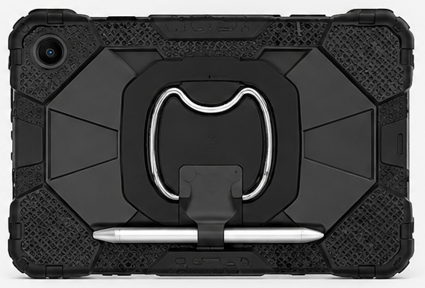
Fleet Connect can run on industrial and commercial Android tablets with integrated LTE, GPS, Wi-Fi, Bluetooth, cameras and vehicle power.
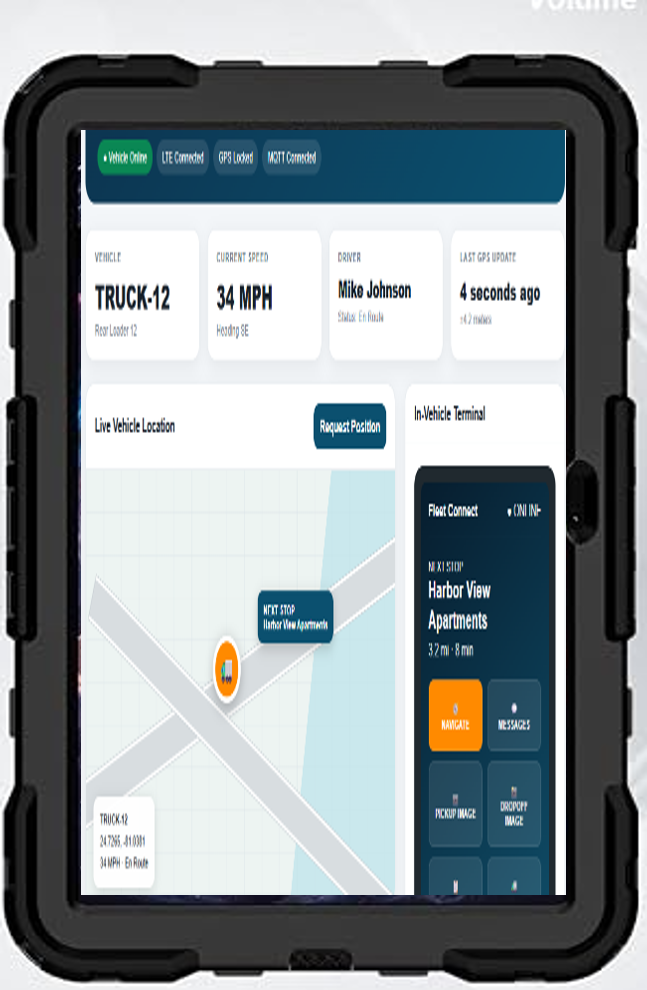
A compact touch-screen platform that combines vehicle tracking, communications and field workflow into one easily installed terminal.
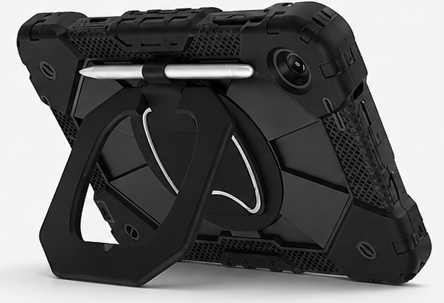
Mount the tablet, connect vehicle power, assign the vehicle and Fleet Connect is ready to communicate.
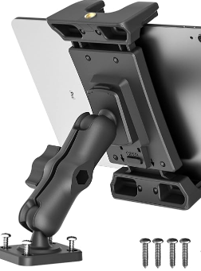
Adjustable dash or console mounting keeps Fleet Connect visible and accessible while maintaining a professional installation.
Bluetooth can support future RFID readers, barcode scanners, temperature sensors and optional vehicle diagnostic interfaces.
Associate drivers with specific vehicles and maintain current driver and truck status.
Store and replay vehicle movements throughout a shift, route or selected date.
Generate notifications for arrival, departure, unauthorized movement or operational exceptions.
Dispatch can request an updated position or terminal status through two-way communications.
Store GPS, work orders and service information locally when LTE service is temporarily unavailable.
Review vehicle utilization, route history, service completion, response time and performance.
Mount the rugged Android tablet inside the vehicle and connect vehicle power.
Register the tablet to the customer and assign a truck or vehicle from the NAV-TEAM portal.
LTE automatically connects GPS, messaging and work orders to the NAV-TEAM platform.
Track the fleet, communicate with drivers and document field activity from the web dashboard.
Track routes, service containers and document pickup and completion.
Manage municipal vehicles, work orders and service verification.
Dispatch technicians and record field activity, locations and completion.
Coordinate mobile maintenance and service teams across multiple properties.
Track crews, routes, arrival and completion across recurring service locations.
Send jobs, navigation and customer instructions directly to field technicians.
Track vehicles and document pickup and dropoff events with images and timestamps.
Coordinate service vehicles, technicians, equipment and customer locations.
Fleet Connect brings vehicle tracking, driver communications, work orders and service verification together in one easy-to-deploy platform.